


How Amazon PPC works
Amazon PPC, or pay-per-click advertising, places your product in ad slots that appear when shoppers search. You pay when someone clicks. This guide covers how the ads work, how to set up campaigns, and how to manage them over time.
Amazon runs an auction for ad placements. When a shopper searches, advertisers compete for the slot. You set a maximum bid for each keyword or product target, and Amazon decides which ads to show.
Amazon offers several ad types, including Sponsored Products, Sponsored Brands, and Sponsored Display. Sponsored Products promotes individual listings. Sponsored Brands requires brand registration, so check your eligibility first. Amazon updates its ad requirements, so confirm the current rules on its advertising pages.
Step 1: Choose your ad type
Start with Sponsored Products if you sell individual items. It is the most direct way to appear in search results for the terms you choose.
Step 2: Build your campaigns

Group products into campaigns by goal. Keep automatic and manual targeting in separate campaigns.
Automatic campaigns let Amazon choose the search terms that trigger your ads. Use them to discover terms that sell. Manual campaigns let you choose the keywords yourself. Move the terms that sell in automatic campaigns into manual campaigns, so you control the bids.
Step 3: Choose keywords
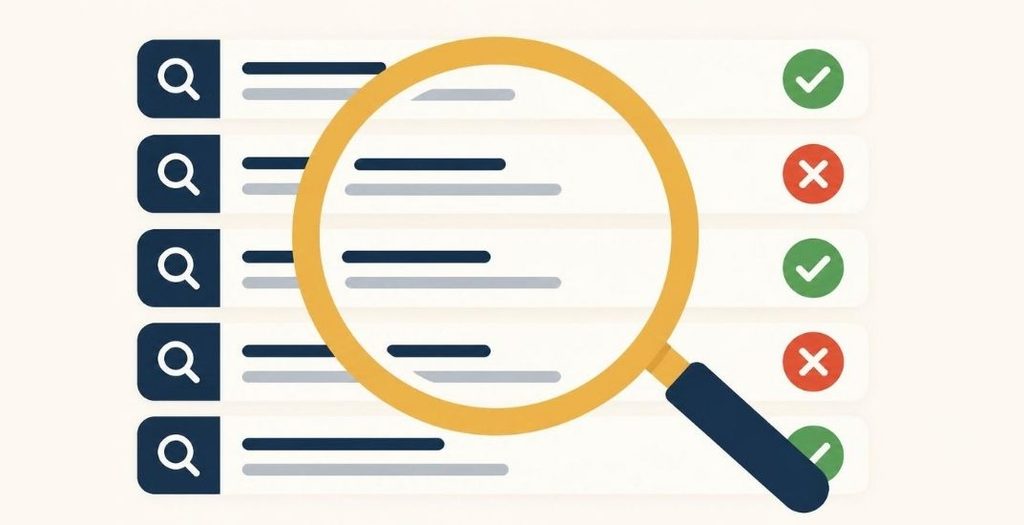
Open the search term report in your ad console. It shows the shopper searches that triggered your ads. Keep the terms that sell. Add the terms that spend without sales as negative keywords, so your ads stop showing for them.
Step 4: Set bids and budgets

Before you set a bid, work out your profit per sale. Subtract your product cost, Amazon fees, and shipping from your price. Check Amazon’s current fee schedule for the exact fees.
A bid above your profit per sale can cost you money on every sale it brings in. Start with a daily budget you can afford while you test.
Step 5: Measure the right numbers
Track these metrics:
- Impressions: how often your ad appeared
- Click-through rate (CTR): clicks divided by impressions
- Conversion rate: orders divided by clicks
- ACOS (advertising cost of sale): ad spend divided by ad sales
ACOS shows how much you spend on ads for each dollar of ad sales. Compare it with your profit margin, not with a number someone else publishes.
Step 6: Review and adjust every week
Check spend, sales, and search terms once a week. Pause keywords that spend money without sales. Raise bids on terms that bring profitable sales. Change one thing at a time, so you can see what caused the result.
Mistakes to avoid
- Letting automatic campaigns run without reviewing their search terms
- Raising bids without checking profit per sale
- Running ads for out-of-stock products
- Skipping negative keywords
- Judging a campaign after a few days of data
Before you blame PPC

Many sellers assume the ads are the problem. Check these first: your price, your competitors’ prices, your listing images, and your product category. A weak listing can turn clicks into lost sales, no matter how well the campaign runs.
Want a second look at your ad account? Start with our free Amazon audit. For listing copy that supports your ads, read our Amazon SEO guide. For fulfillment basics, read our Amazon FBA guide.